
iPhone Flashers: A Complete Guide to Flashing an iPhone

Have you ever encountered an iPhone stuck on the Apple logo, experiencing repeated restarts, or failing to complete an iOS update? These problems can sometimes be caused by corrupted system files, failed firmware updates, or other software-related issues. In such situations, flashing an iPhone may help restore its normal operation.
However, choosing the right flashing tool is important because different programs offer different features, repair capabilities, and data protection options. In this guide, we’ll explain what an iPhone flasher is, how it works, and introduce three popular tools for flashing and repairing iPhones.
1. What Is an iPhone Flasher?
An iPhone flasher is a program designed to install or reinstall firmware on an iPhone. Firmware refers to the software that controls how the device’s hardware and operating system function together. On an iPhone, this primarily involves iOS and its associated system components.
Flashing typically involves connecting an iPhone to a computer, selecting or downloading a compatible firmware package, and installing it through a supported restoration or repair process.
People may use an iPhone flasher for several reasons:
- Fix iOS system problems: Address software issues such as boot loops, frozen screens, and startup failures.
- Reinstall iOS: Install a fresh copy of the operating system when the existing installation becomes corrupted.
- Restore factory settings: Erase existing data and return the device to its initial setup state.
- Resolve update errors: Troubleshoot problems that prevent an iPhone from completing an iOS update.
- Repair startup issues: Attempt to recover an iPhone that gets stuck on the Apple logo or recovery screen.
It’s important to understand that flashing is not the same as unlocking an iPhone. It cannot remove Activation Lock, bypass an Apple Account password, or repair physical hardware damage.
2. How Does an iPhone Flasher Work?
Most iPhone flashing tools follow a similar process. They establish a connection between the iPhone and a computer, obtain the appropriate firmware, and use a supported installation or repair procedure to restore the system.
Here is how the process generally works:
Step 1: Connect the iPhone
Connect your iPhone to a Windows PC or Mac using a compatible USB cable. The flashing software detects the device and identifies its model and system information.
Step 2: Select or Download Firmware
The software provides or downloads a compatible iOS firmware package. Firmware compatibility is important because different iPhone models require different software packages.
Step 3: Enter Recovery or DFU Mode if Necessary
If the iPhone cannot start normally, it may need to enter Recovery Mode or Device Firmware Update (DFU) Mode. These modes allow a computer to communicate with the device for system recovery.
Step 4: Start the Flashing or Repair Process
After the firmware is ready, the tool begins installing or repairing the iOS system. Depending on the software and selected mode, this process may preserve user data or erase the device.
Step 5: Restart and Check the iPhone
Once the operation finishes, the iPhone usually restarts. You can then check whether the original software problem has been resolved and complete the device setup if necessary.
Before flashing, always back up important files whenever possible. A full restore or deep repair can erase personal data, and not every repair method guarantees data preservation.
3. Best Tools for iPhone Flashing
There are several tools available for flashing and restoring iPhones. Below are three options worth considering, ranging from Apple’s official restoration solution to dedicated third-party iOS repair software.
3.1 iTunes or Finder
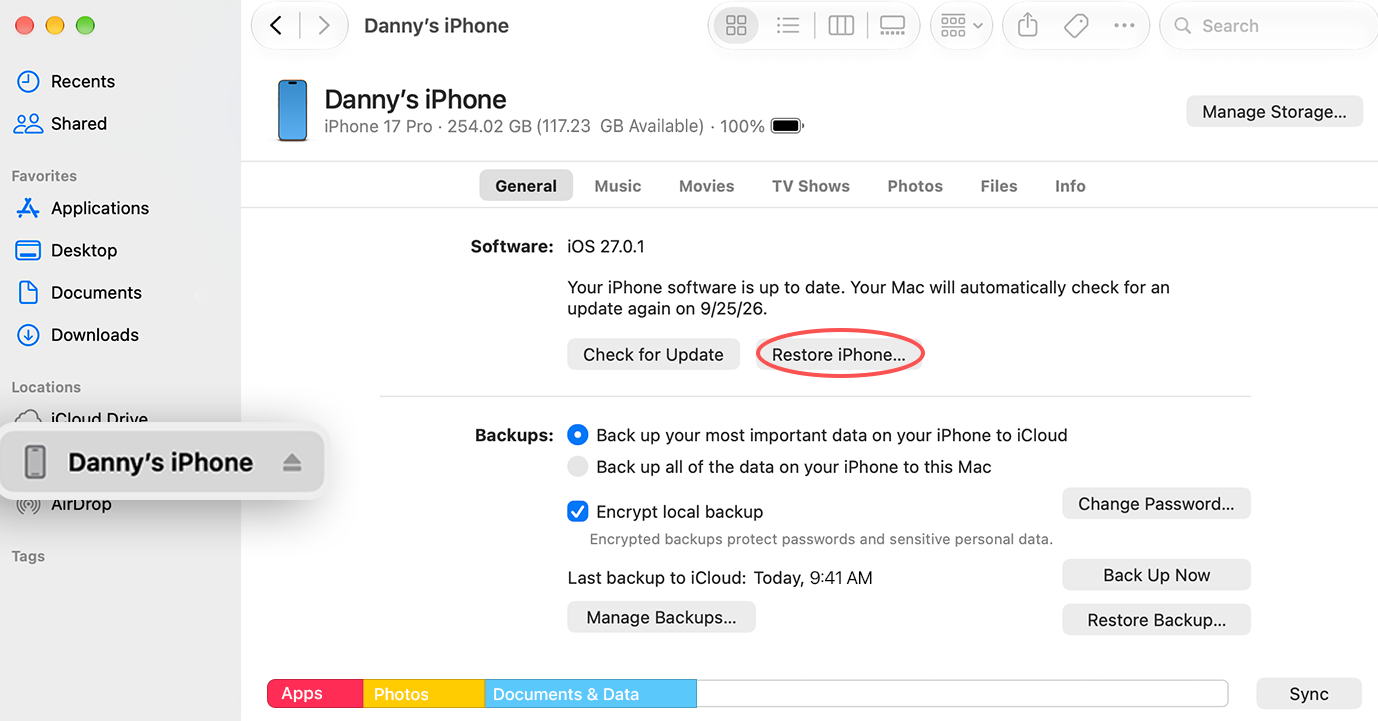
iTunes and Finder are Apple’s traditional and built-in solutions for managing and restoring iPhones. Finder handles iPhone restoration on modern Mac computers, while Windows users can use the Apple Devices app. iTunes remains relevant for supported older Windows setups.
3.2 Tenorshare ReiBoot
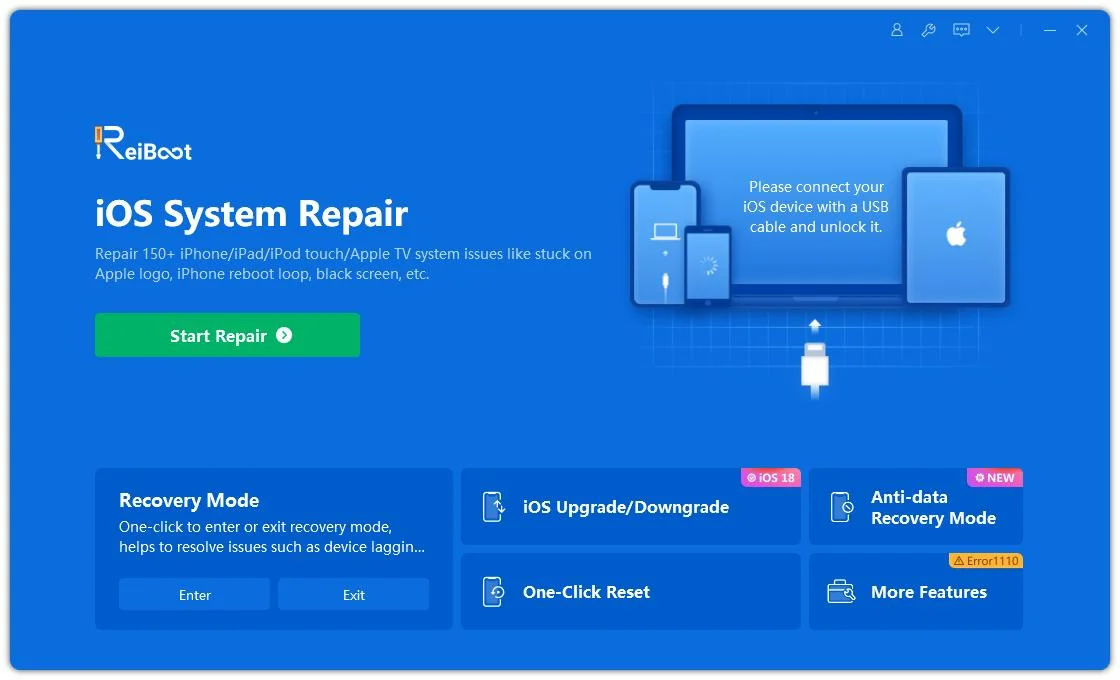
Tenorshare ReiBoot is a third-party iOS system repair tool designed to help users resolve common iPhone and iPad software problems. It provides a more guided experience than traditional firmware restoration methods and includes several repair and recovery functions.
3.3 AimerLab FixMate
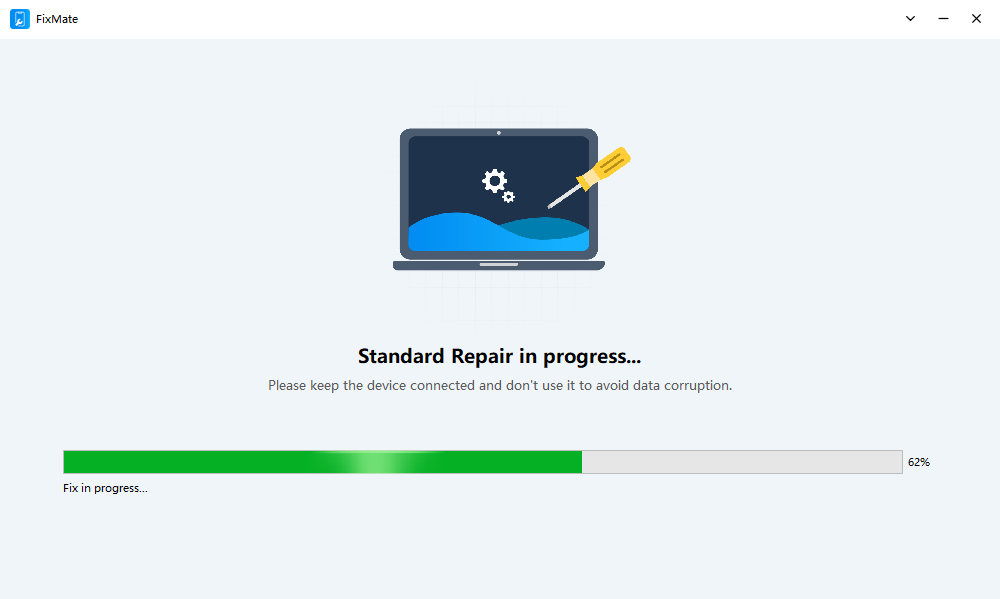
AimerLab FixMate is another useful option for users looking for an accessible iPhone flashing and system repair solution. It focuses on resolving common and serious iOS problems through guided repair modes and firmware installation.
Rather than requiring users to handle every firmware-related step manually, FixMate provides a straightforward interface for selecting repair modes, downloading firmware, and starting the repair process.
4. Conclusion
Flashing an iPhone can be an effective way to reinstall iOS, restore firmware, and troubleshoot software-related problems such as boot loops, frozen screens, and failed updates. Choosing the right iPhone flasher depends on your device’s condition, technical experience, and repair requirements.
Among the tools discussed, iTunes or Finder is a good choice for users who prefer Apple’s official and free restoration method. Tenorshare ReiBoot offers additional iOS repair and recovery features, while AimerLab FixMate provides a user-friendly alternative with firmware downloading, multiple repair modes, and Recovery Mode management.
Each tool has its own advantages and limitations, so consider your needs, budget, and data protection requirements before making a choice. Whichever option you use, remember to back up your important data whenever possible and ensure the firmware is compatible with your iPhone model before starting the flashing process.


