
Best AI That Summarizes YouTube Videos

YouTube has become one of the most powerful sources of information, entertainment, and learning in the modern world. From educational lectures and tutorials to product reviews and documentaries, there is an overwhelming amount of content available. However, watching every video in full can be time-consuming. This is where AI-powered YouTube summarizers come in, helping users quickly grasp the main ideas without spending hours in front of the screen. In this article, we will explore the different types of AI tools that summarize YouTube videos, how they work, and their benefits and limitations.
1. Why AI Summaries for YouTube Videos Are Useful?
The sheer volume of content on YouTube makes it nearly impossible for someone to consume everything they want to learn or explore. AI summarizers provide several advantages:
- Time-saving: AI can distill a 1-hour video into a few sentences or bullet points, saving viewers valuable time.
- Better retention: Summaries focus on key ideas, helping viewers remember the most important information.
- Content repurposing: Creators can use summaries to make scripts, social media posts, or notes for educational purposes.
- Accessibility: For people who struggle with language barriers or have hearing difficulties, AI-generated summaries can make content easier to understand.
By using AI, both casual viewers and professionals can navigate YouTube content more efficiently, making learning and entertainment more productive.
2. How AI Summarizes YouTube Videos?
AI summarizers generally rely on transcripts or direct video analysis. Here’s a breakdown of the process:
- Transcription:
Most AI summarizers first extract text from the video. This can be from YouTube’s automatic captions or using tools that generate transcripts.
The transcript captures all spoken content in the video, forming the basis for summarization.
- Natural Language Processing (NLP):
Once the transcript is available, AI uses NLP techniques to understand the main ideas, key phrases, and overall structure.
The AI then condenses the information into concise sentences, bullet points, or even a structured summary.
- Optional Video Analysis:
Advanced tools can analyze visual elements, such as slides, charts, or graphics, to create more context-rich summaries.
Some tools even generate chapter-wise summaries or highlight specific segments for easier reference.
3. Popular AI Tools That Summarize YouTube Videos
Several AI tools have emerged in recent years, each offering unique features. Here are some popular ones:
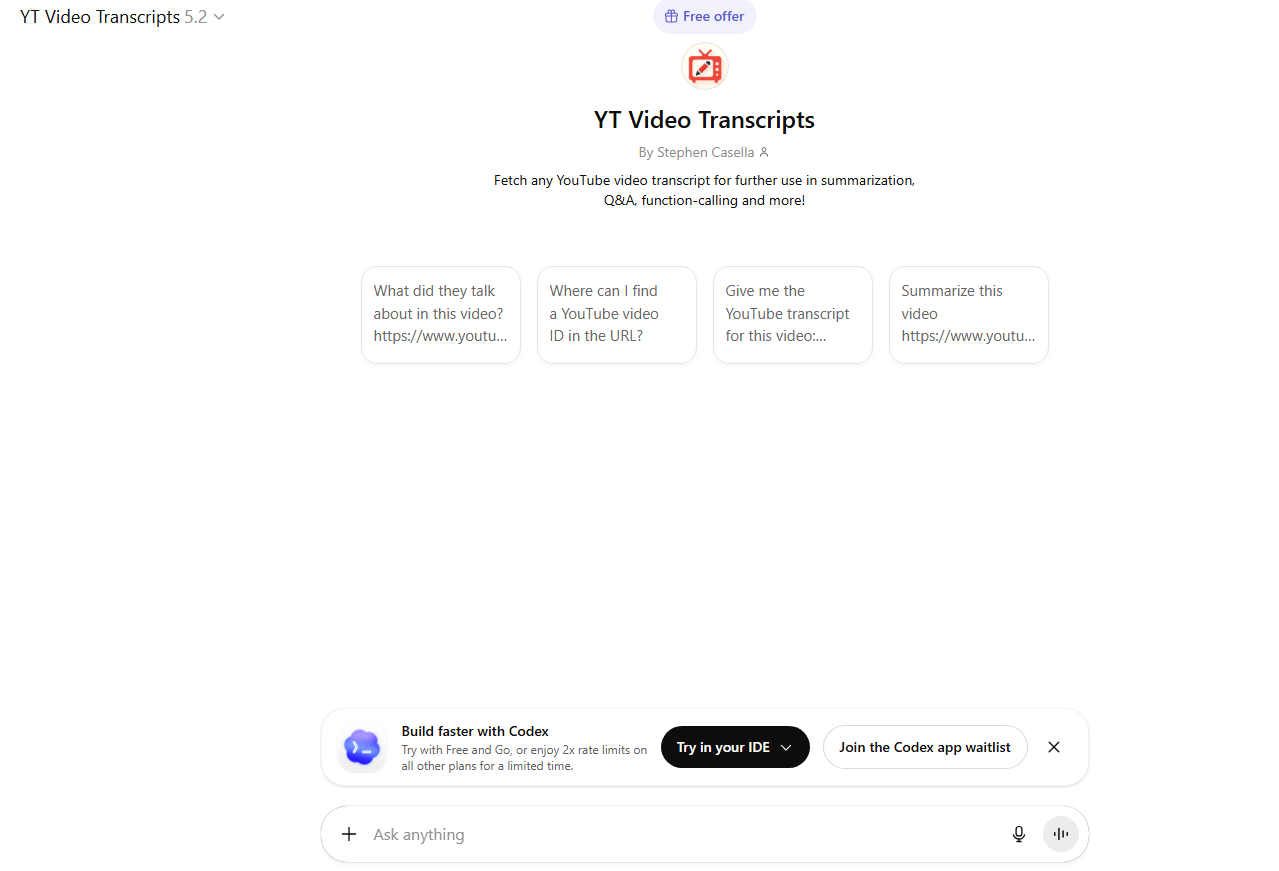
3.1 ChatGPT with YouTube Transcript
- How it works: Users copy a video’s transcript from YouTube and input it into ChatGPT, asking for a summary.
- Features: Can produce bullet points, detailed summaries, or highlight key takeaways.
- Pros: Highly customizable and accurate.
- Cons: Requires manual transcript extraction unless using plugins.
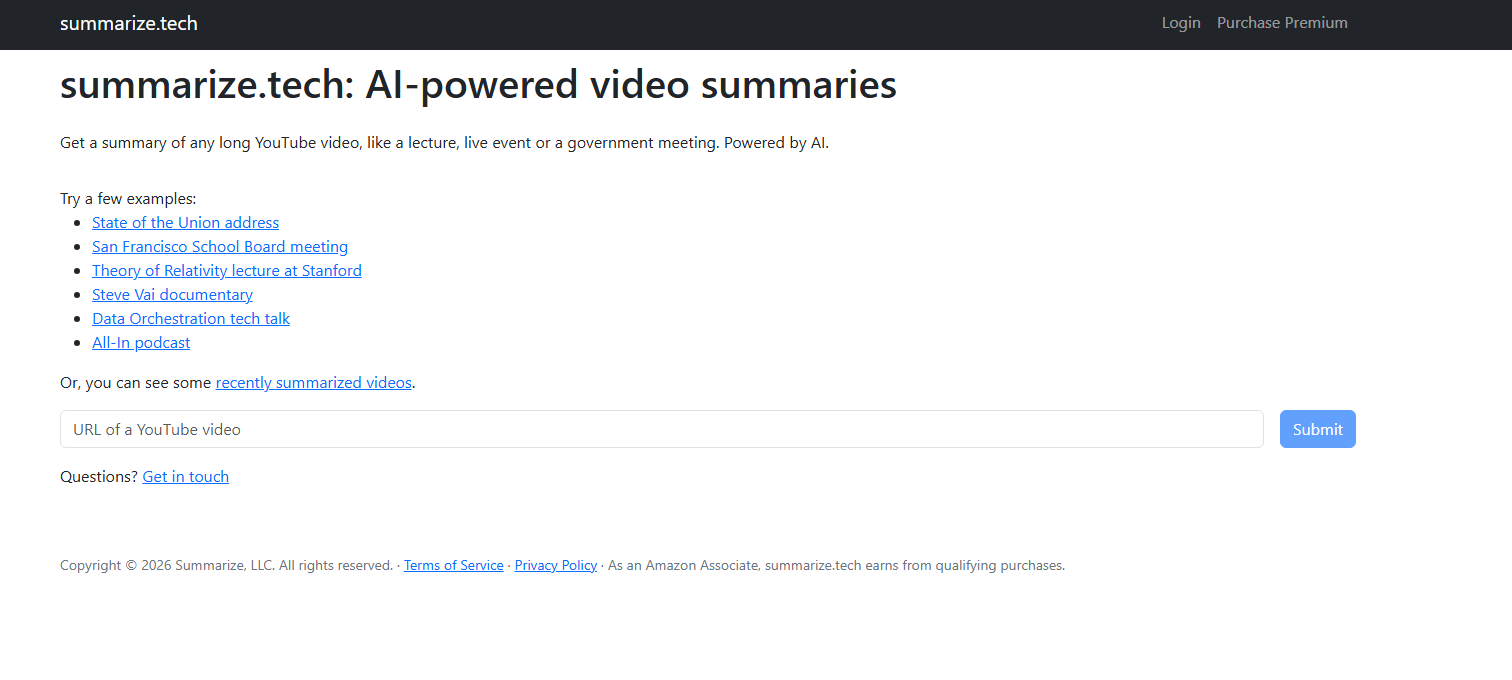
3.2 Summarize.tech
- How it works: Paste a YouTube video link, and the AI automatically summarizes the content.
- Features: Provides a quick overview or detailed paragraphs.
- Pros: No transcript copy-paste needed.
- Cons: Can struggle with very long videos.
3.3 InVideo AI
- How it works: Converts YouTube videos into AI-generated scripts or summaries.
- Features: Highlights key points, extracts dialogue, and supports content repurposing.
- Pros: Ideal for creators who want to reuse content.
- Cons: Paid plans required for longer videos.
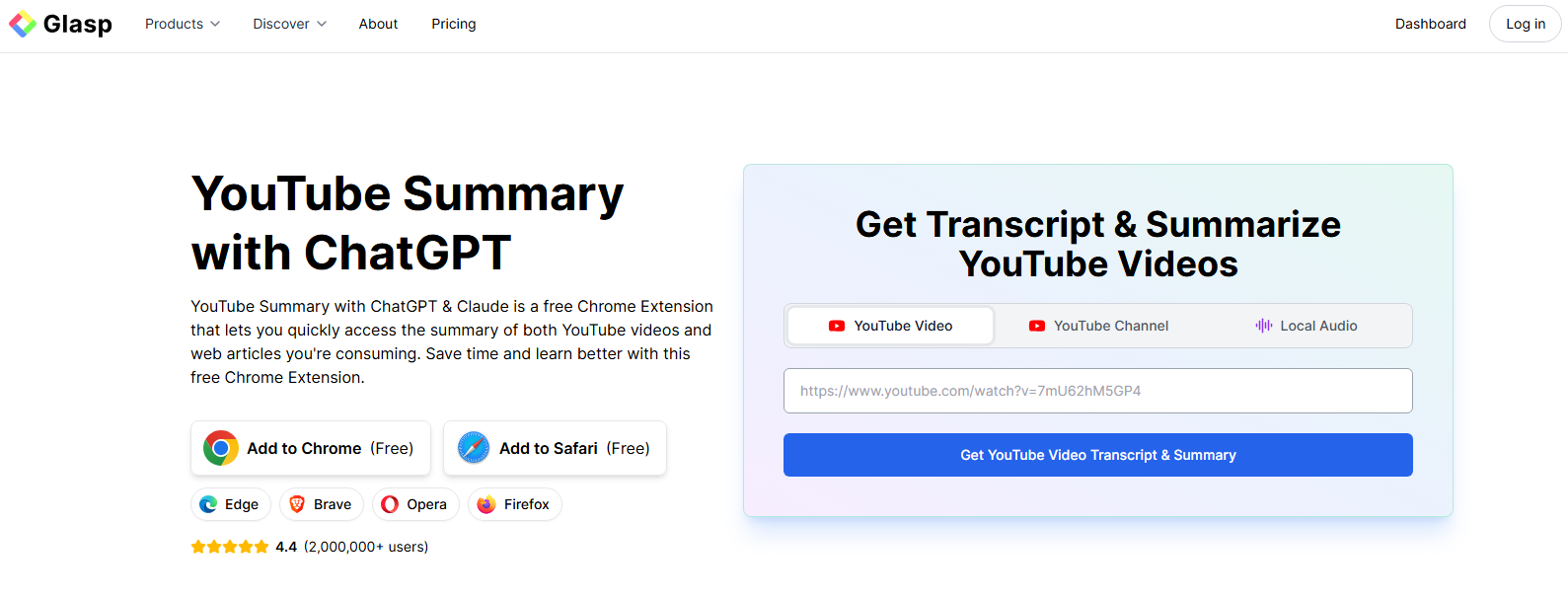
3.4 Glasp AI
- How it works: Summarizes YouTube videos while highlighting important text segments.
- Features: Can generate key takeaways, summaries, and even notes.
- Pros: Works directly in the browser with Chrome extensions.
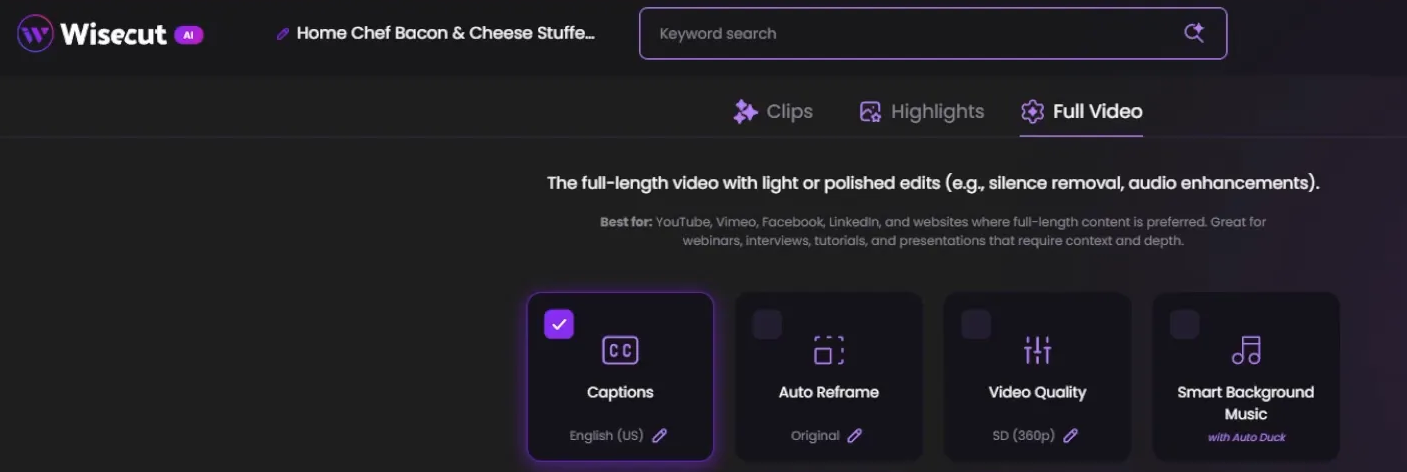
3.5 Wisecut
- How it works: Primarily a video editor, but it also automatically generates captions and summaries.
- Features: Highlights sections, creates shorter clips, and produces summaries for review.
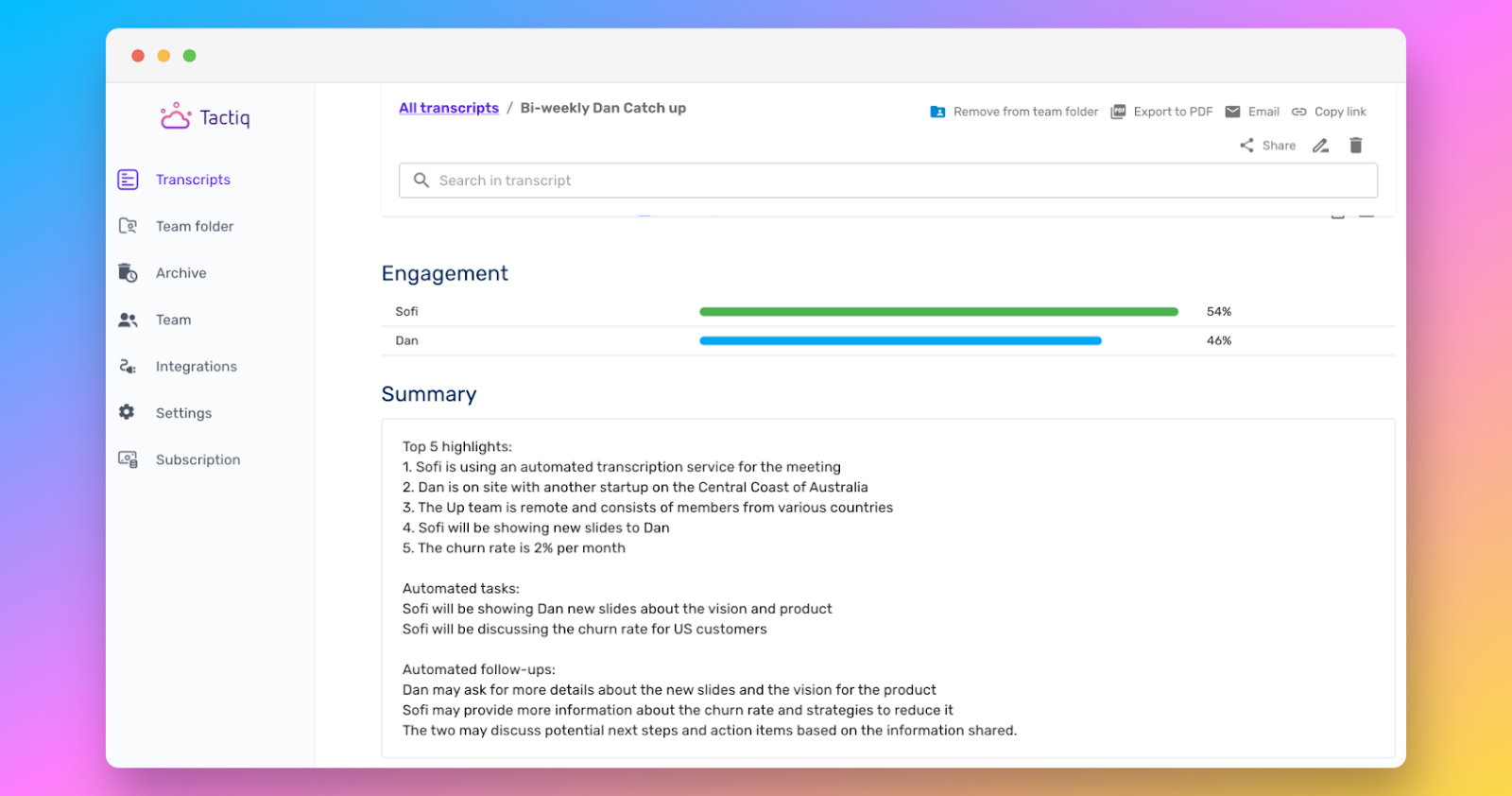
3.6 Tactiq
- How it works: Summarizes video and audio content, including YouTube, using a Chrome plugin.
- Features: Can create bullet-point notes, transcripts, and summaries.
4. How to Summarize YouTube Videos Using A?
If you want to use AI to summarize a YouTube video, here’s a simple workflow:
Step 1: Get the Video Transcript
Open the video on YouTube > Click the three dots below the video → “Show Transcript.” > Copy the transcript text.
Step 2: Use an AI Summarizer
Open an AI tool like ChatGPT, Summarize.tech, or InVideo AI > Paste the transcript or video link and request the type of summary you want (e.g., bullet points, detailed explanation, or a short paragraph).
Step 3: Customize the Summary
Adjust the length or format according to your preference. Optionally, ask the AI to highlight timestamps or key concepts.
Step 4: Save or Repurpose
Use the summary for notes, presentations, or content creation. You can also integrate summaries into study material or share them with colleagues.
5. Limitations and Challenges
While AI video summarizers are powerful, they have some limitations:
- Accuracy: Automatic transcripts can have errors, especially in videos with accents or background noise.
- Context loss: Summaries may miss subtle details or humor.
- Length restriction: Some AI tools struggle with very long videos (2+ hours).
- Paid features: Advanced tools or longer summaries often require subscription plans.
To overcome these limitations, combining multiple AI tools or manually reviewing AI-generated summaries can ensure accuracy and completeness.
6. Best Practices for Using AI Video Summarizers
- Choose the right format: Decide whether you need bullet points, a paragraph, or a full detailed summary.
- Segment long videos: For videos longer than 1 hour, summarize chapter by chapter.
- Check for accuracy: Quickly scan the summary to ensure key information is correct.
- Use timestamps: For educational videos, include timestamps to refer back to specific segments.
7. Conclusion
AI that summarizes YouTube videos is a game-changer for anyone looking to save time and extract meaningful insights quickly. Whether you are a student, professional, content creator, or casual viewer, AI summarizers help you process vast amounts of information efficiently. Tools like ChatGPT, Summarize.tech, InVideo AI, Glasp AI, Wisecut, and Tactiq offer a variety of features to suit different needs.
While there are limitations such as occasional transcript errors or context loss, the benefits of using AI summarizers far outweigh the drawbacks. By integrating AI summaries into your workflow, you can focus on learning, creating, and enjoying content more effectively than ever before.


